Why Hotels Are Moving to Digital Room Service Menus
Printed room service menus are one of the most frequently replaced items in a hotel room — and one of the most overlooked costs. Prices change, items get discontinued, and international guests struggle with a single-language document. Reprinting across dozens or hundreds of rooms every time something changes is slow and expensive.
A QR code-based digital menu eliminates these problems at once. The guest picks up their phone, scans the code, and sees a live, accurate menu in their own language — no printing, no outdated prices, no language barrier.
What Makes Room Service QR Menus Different
A standard restaurant QR menu is designed for table-side use. Hotel room service requires several additional layers that generic tools do not address well.
Room Identification
Orders need to reach the right room. This is handled either by generating a unique QR code per room — each code carries the room number as a parameter — or by including a room number entry step in the order flow. Unique codes per room reduce friction for the guest and eliminate input errors.
Time-Based Menu Switching
Breakfast, lunch, dinner, and late-night menus are different products. With a digital system, these transitions are automatic — the correct menu appears based on the time of day. Staff do not need to manage any physical swap.
Multilingual Display
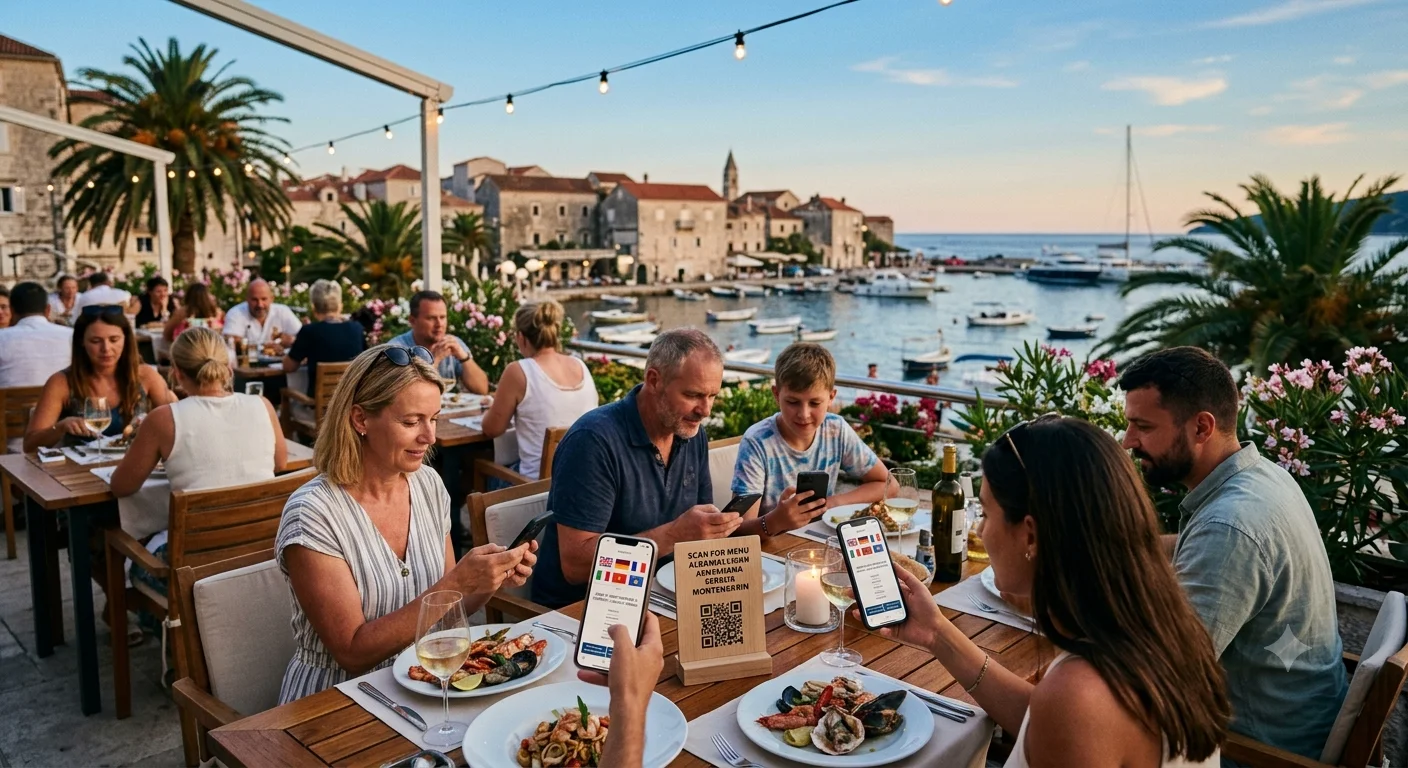
A hotel in the Balkans, Turkey, or the Adriatic coast may host guests from a dozen countries in the same week. A single-language menu causes ordering errors and guest frustration. QR Menu supports multiple languages from one dashboard — guests select their preferred language on arrival.
Delivery Expectation Messaging
Showing "Your order will arrive in 25–35 minutes" directly on the menu screen reduces complaint calls significantly. Guests who see a delivery window at the point of order rarely call reception to ask where their food is.
Physical Placement: Where to Put the QR Code
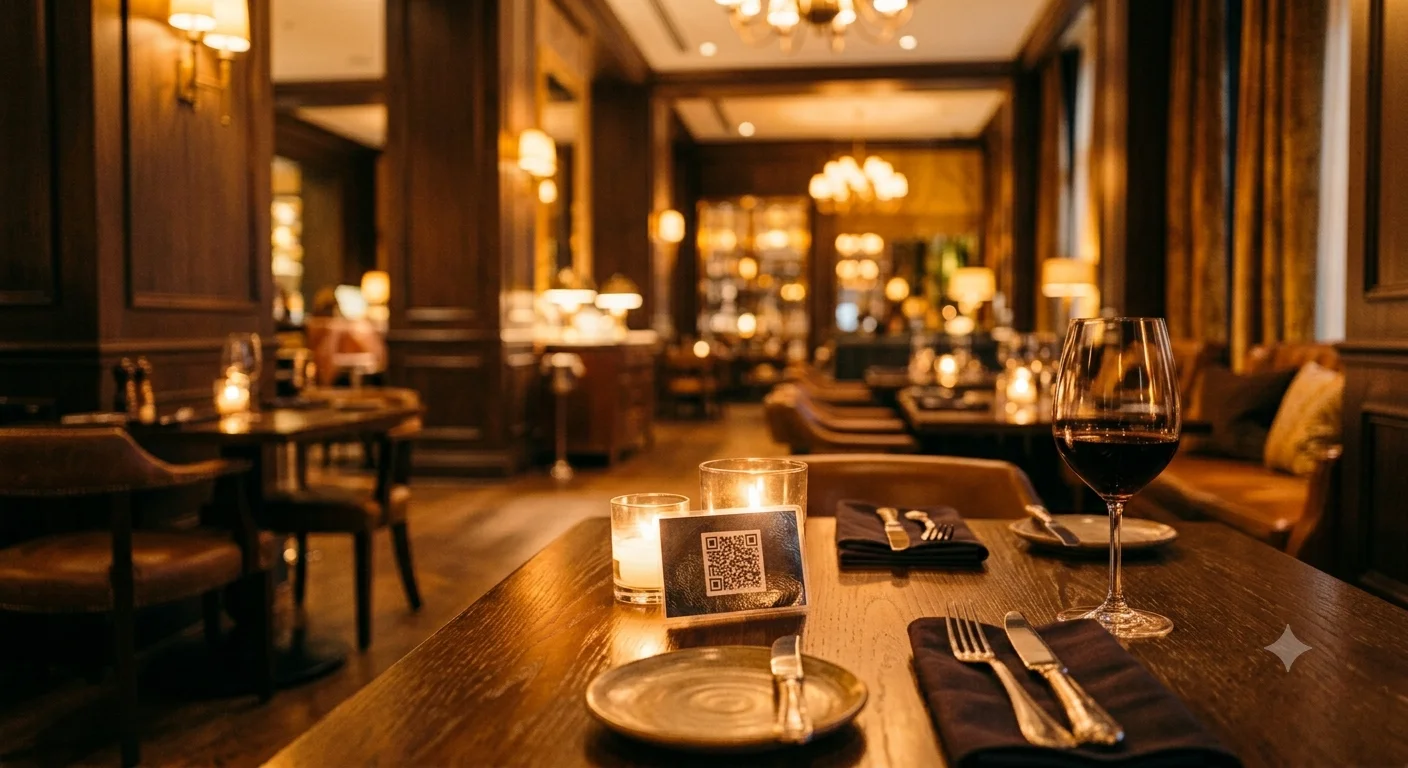
Where you place the QR code determines how many guests actually use it. The highest-performing placements in hotel rooms are:
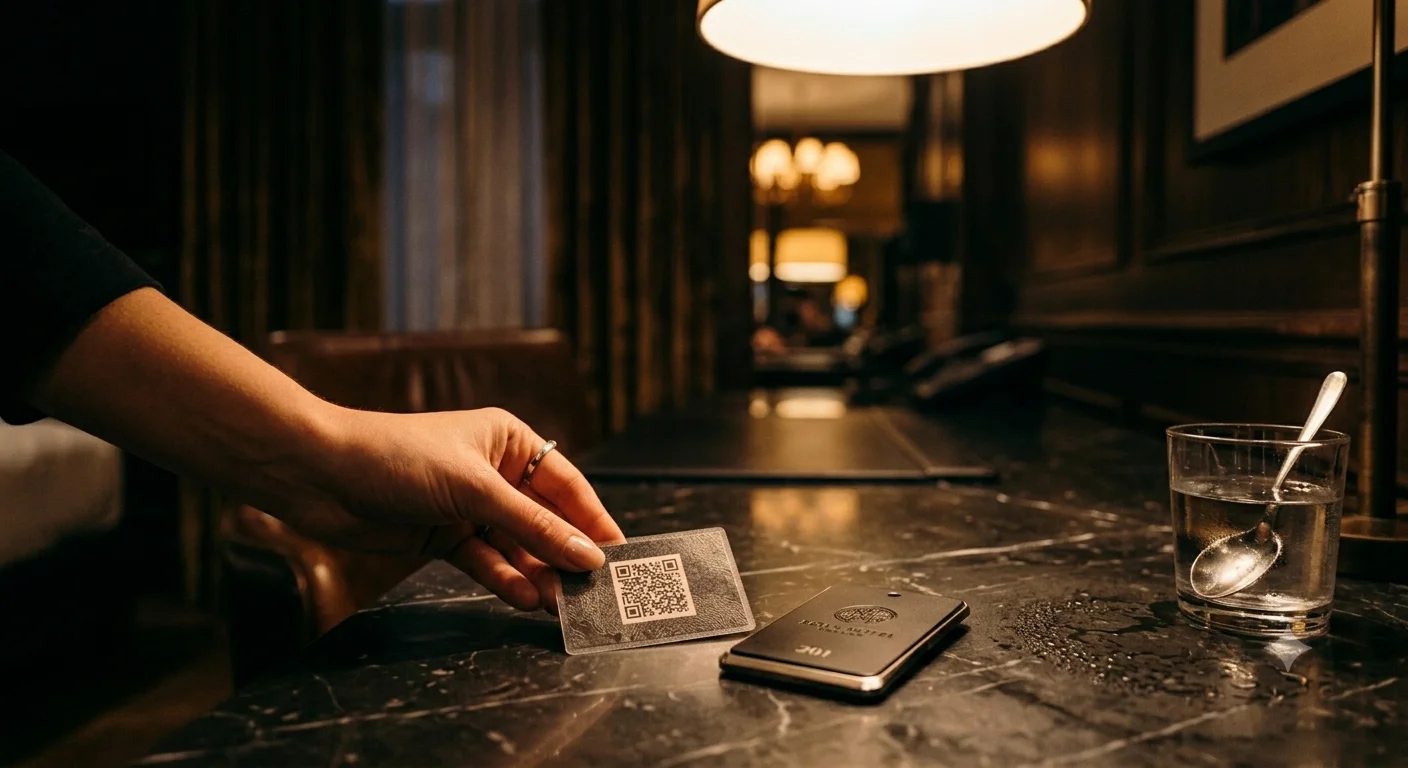
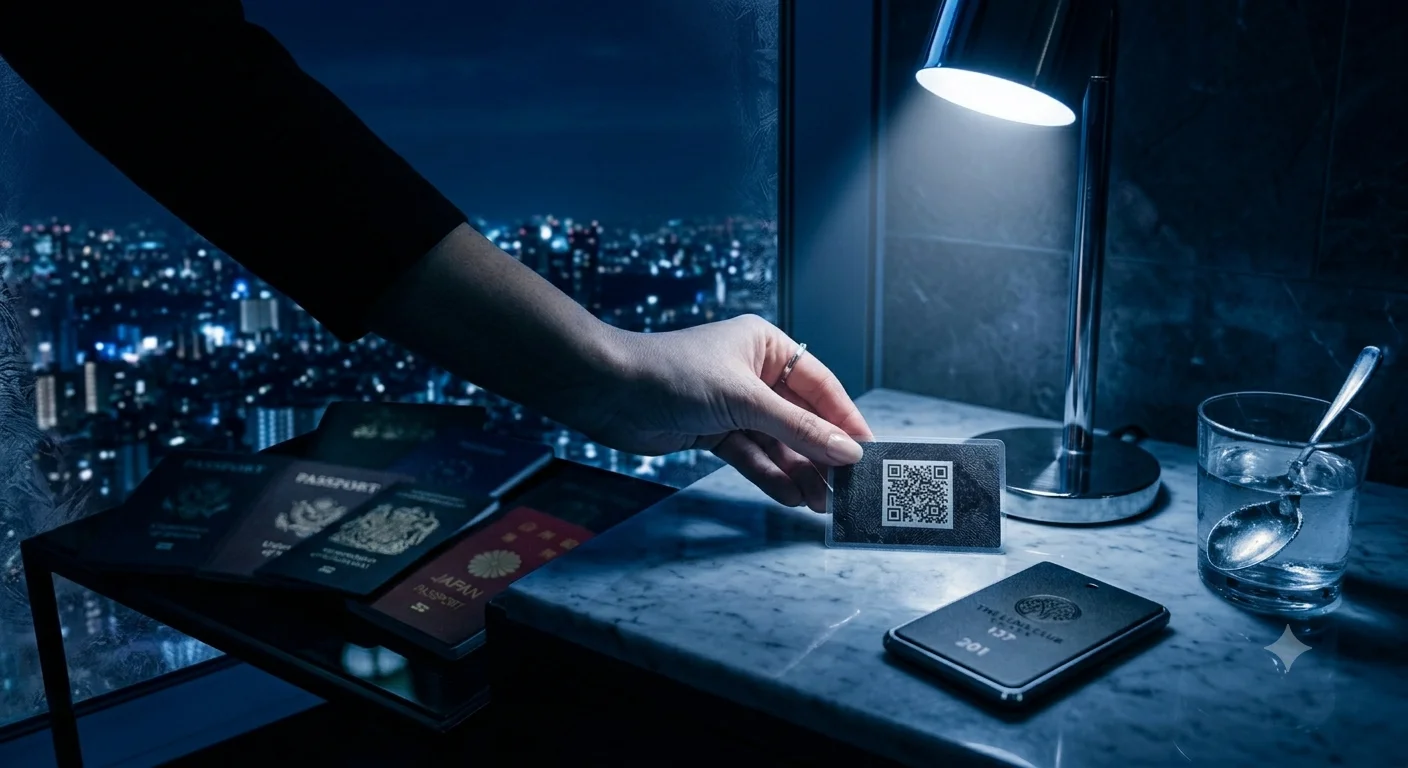
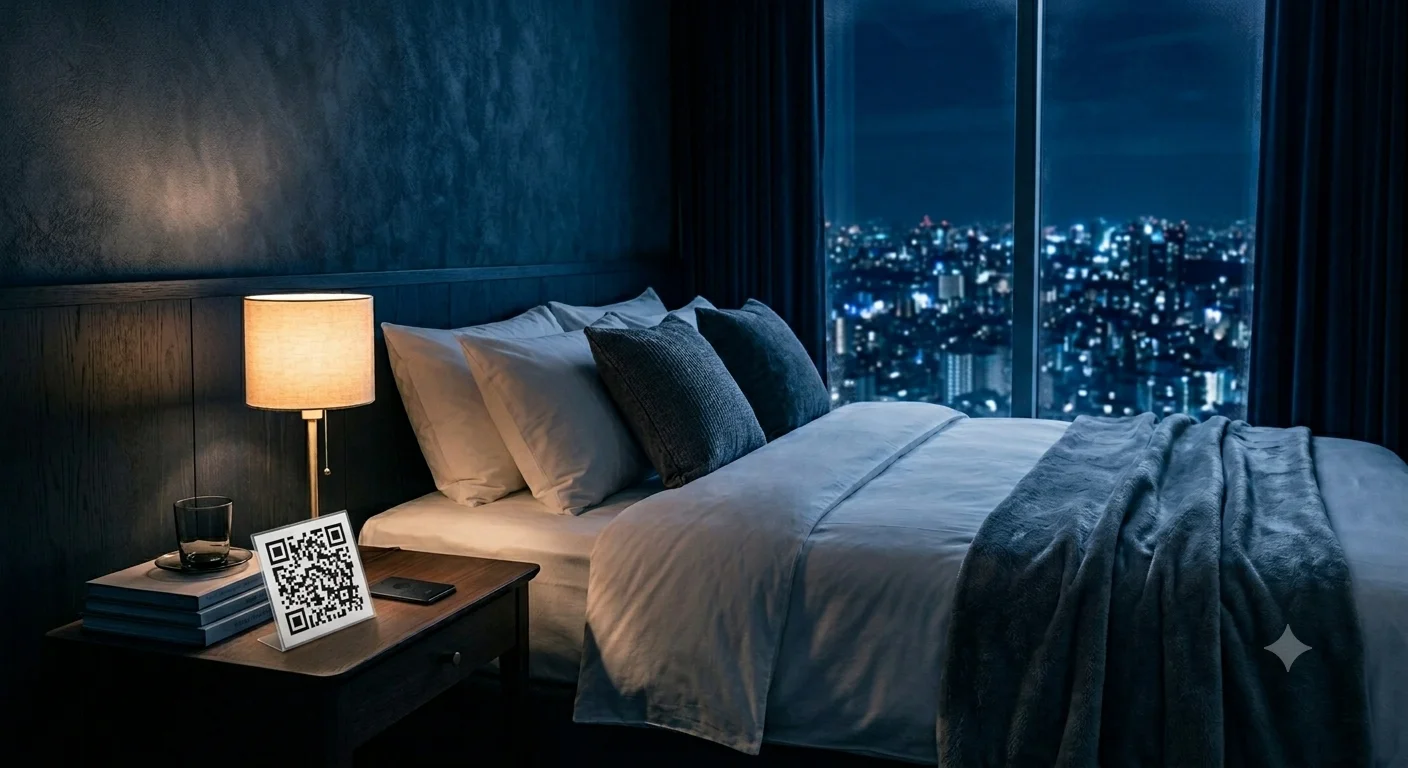
- Bedside table — a laminated card is visible immediately when guests settle in and again at night when late-night ordering intent is highest.
- Back of the room door — catches the eye on arrival and on every return to the room.
- Bathroom counter — captures breakfast order intent in the morning when guests are getting ready.
- In-room TV standby screen — a static QR overlay turns idle screen time into an active ordering touchpoint with zero additional cost.
Use laminated cards for all printed formats. They last longer, clean easily with standard hotel housekeeping products, and look intentional rather than improvised.
Step-by-Step Setup
Step 1 — Organise Menu Content
Group items into clear categories: breakfast, mains, snacks, beverages, alcoholic beverages. Write a concise description for each item, add current prices, and include allergen information. In most European markets allergen labelling is a legal requirement. A clean menu of 20–30 well-described items outperforms a bloated one with 80 items and no descriptions.
Step 2 — Set Up Languages
Prioritise languages based on your guest profile. For hotels in Kosovo, Montenegro, Albania, and the wider Balkan region, English, Albanian, Turkish, and Serbian/Croatian cover the majority of guests. For Middle Eastern markets, Arabic is essential. Launch with two well-translated versions rather than five poor ones — you can add languages later.
Step 3 — Generate and Place QR Codes
In the QR Menu dashboard, generate codes for each room or a single code for all rooms depending on your setup. Download, print, laminate, and place according to the placement guide above. The system handles all routing automatically.
Step 4 — Brief Your Team
Front desk and room service staff should know how to answer guest questions about the system, how to update availability when an item runs out mid-service, and how order notifications arrive. A ten-minute briefing at launch prevents most early operational friction.
Impact on Guest Experience and Operations
Hotels that switch from printed to digital room service menus consistently see:
- Fewer ordering errors — guests reading in their own language with clear descriptions make fewer mistakes, reducing kitchen waste and re-delivery costs.
- Higher average order value — item descriptions and suggested pairings increase cross-sell rates. Guests who understand what they are ordering spend more.
- Fewer complaint calls — real-time pricing and availability eliminates "this wasn't the price on the menu" conversations. Delivery time estimates reduce "where is my order" calls.
- Lower staff workload at peak hours — repetitive questions about availability, delivery time, and dietary options are answered by the system before the guest reaches for the phone.
A Note for Balkan and Adriatic Hotels
Hotels in Kosovo, Montenegro, Albania, and the Adriatic coast face a uniquely multilingual guest mix during peak season. Turkish, Albanian, Serbian, British, and German guests may stay in the same property in the same week. A printed menu in one language is not a viable solution for this reality.
QR Menu is actively used by hospitality operators across this region. The multilingual dashboard, real-time update capability, and simple QR placement make it the practical choice for properties that cannot afford the time or cost of frequent reprints.
For a real-world breakdown of the revenue impact — including F&B spend data across a full summer season — see the Turkish coastal hotel case study on AKORNET's blog.